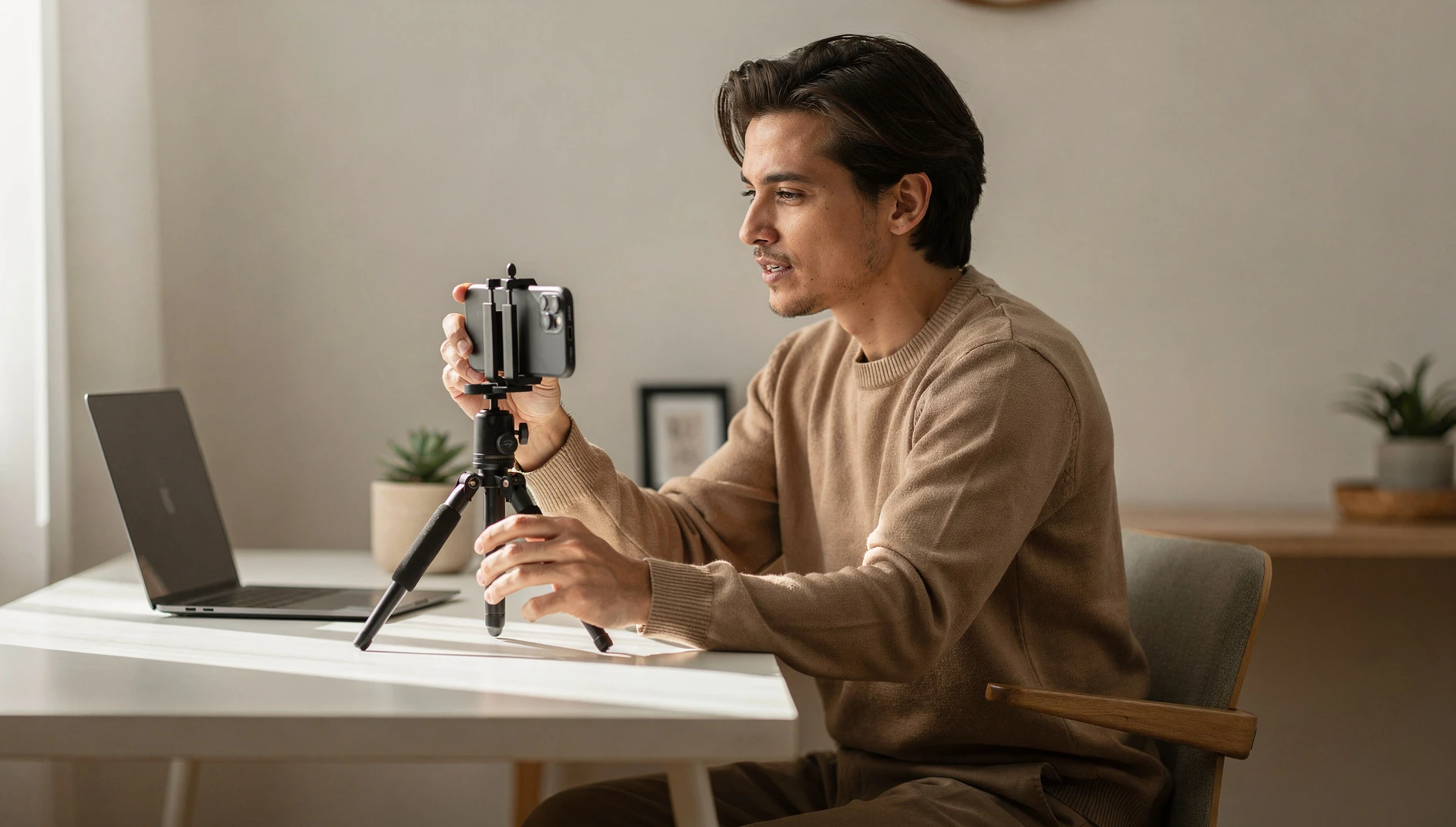
LinkedIn video consistently outperforms text posts for reach and engagement, but most coaches avoid it. Here's how to start without it feeling painful.
TL;DR
- LinkedIn video gets 3-5x more reach than text-only posts in the first 24 hours, on average.
- You don't need professional equipment. A phone, decent natural light, and a clutter-free background is enough.
- 60-90 seconds is the ideal length for LinkedIn video. Under two minutes, no exceptions.
- Film multiple takes and post the one where you sound most like yourself, not the most polished.
- Captions are required: 85% of LinkedIn video is watched with sound off.
Most coaches who know they should be posting LinkedIn video don't post LinkedIn video.
The reasons they give: "I don't like how I look on camera." "I don't have good equipment." "I don't know what to say." "My background isn't perfect."
All understandable. All also not the real reason. The real reason is that recording yourself talking feels vulnerable in a way that writing doesn't, and discomfort is an easy reason to procrastinate.
Here's what's worth knowing: the coaches who started LinkedIn video despite feeling awkward about it are almost universally glad they did. The awkwardness fades within the first few posts. The reach advantage does not.
Why Video is Worth Doing
LinkedIn's algorithm favors native video, meaning video uploaded directly to LinkedIn rather than linked from YouTube or elsewhere. According to LinkedIn's own data, native video gets roughly three to five times more impressions than text posts in the first 24 hours.
For coaches whose clients are on LinkedIn, this reach advantage is significant. A text post that reaches 300 people might reach 1,500-2,000 people as a video on the same topic. The same idea, five times the audience.
There's a secondary benefit that's harder to measure but matters just as much: video builds personal connection faster than text. When someone watches you speak for 60 seconds, they get a sense of your energy, your warmth, your style. They experience you. That's different from reading your words.
Coaches who do consistent LinkedIn video often find that people who reach out for discovery calls feel like they already know the coach. The call warms up faster. Conversion is easier.
Equipment: What You Actually Need
You don't need a studio. You don't need professional lighting. You don't need anything you don't already have.
Phone camera. The camera in a modern smartphone is more than enough for LinkedIn video. If you have a phone made in the last three years, the video quality is fine.
Natural light. This is the most important variable. Film facing a window, not with the window behind you. Side light from a window also works well. Avoid filming in a dark room or with a bright light source behind you. Both create unflattering results.
A steady surface. Your phone propped on a stack of books works. A small phone tripod costs under $20 and is worth it. The video doesn't need to be perfectly still, but extreme shakiness is distracting.
A clutter-free background. One bookshelf, a blank wall, or a clean desk behind you. You don't need a perfect home studio. Aim for "professional enough not to distract."
Captions. This is non-negotiable. Most LinkedIn videos are watched with sound off. If your video doesn't have captions, most viewers won't understand it. LinkedIn has an auto-caption feature that generates captions automatically when you upload. Review them for accuracy before posting.
What to Film
The same content types that work as text posts work as video. The main difference is that video favors personal connection and quick practical insights over complex frameworks.
The single insight. Pick one thing (a coaching principle, an observation, a counterintuitive take) and explain it in 60-90 seconds. This is the easiest video format to start with. You're not presenting. You're having a conversation.
The "here's what I'm thinking about" post. An observation from your coaching work, something you've been reading, something a client said that stuck with you. Conversational, genuine, unrehearsed.