Growth & Marketing
Coaching Podcast Equipment: What You Actually Need
9 min read
TL;DR
- A $70-100 USB microphone is all most coaches need to sound professional.
- The room matters more than the mic. Soft surfaces reduce echo; hard surfaces create it.
- For interviews, a dedicated recording platform like Riverside.fm captures better audio than Zoom.
- Editing software can be free (Audacity) or fast (Descript). You don't need both.
- Don't over-invest in gear before you know whether you'll actually keep recording.
Coaching podcast equipment guides have a problem: they're often written by people who love gear, not people who run coaching businesses. The result is recommendation lists full of condenser microphones, audio interfaces, shock mounts, XLR cables, acoustic panels, and $200 headphones.
Most coaches don't need any of that. What you need to start a coaching podcast is simple, cheap, and available on Amazon today.
Here's the real breakdown.
The One Thing That Actually Matters: Your Room
Before we talk about microphones, we need to talk about the room you're recording in. Because here's the thing: an average microphone in a good room sounds better than an excellent microphone in a bad room.
What makes a room bad for recording? Hard surfaces. Bare walls, hardwood floors, glass windows with no curtains, and empty rooms all cause audio to bounce around before it hits the mic. That's what creates the echoey, "recorded in a bathroom" quality that makes listeners immediately distrust a podcast.
What makes a room good for recording? Soft surfaces that absorb sound. Carpet, upholstered furniture, bookshelves full of books, heavy curtains, and even just a closet full of clothes all dampen reflections dramatically. Many coaches record in a walk-in closet for exactly this reason. The clothes act as acoustic panels.
If you have a dedicated room to record in, hang some thick curtains, put a rug on the floor, and add a few throw pillows or soft furnishings. That's acoustic treatment for about $50 and it will improve your audio more than upgrading from a $70 mic to a $300 mic.
If you're deciding between a quieter room and a more convenient room, choose quieter every time.
Microphones: What You Actually Need
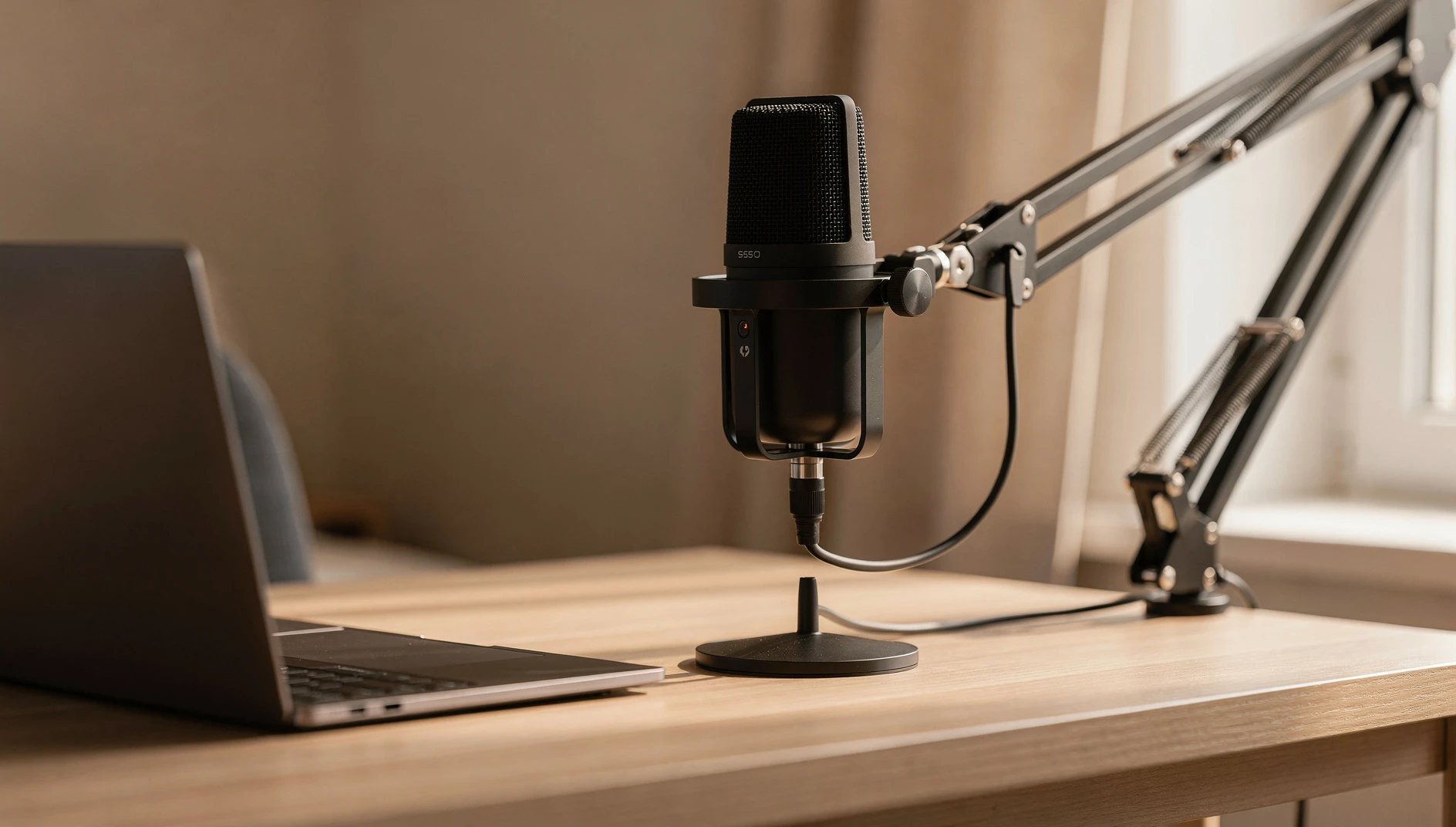
USB microphones connect directly to your computer. No audio interface required. For coaches recording solo or doing interviews from a laptop, a USB mic is the right tool.
Budget Pick ($70-100)
Samson Q2U ($70): Dual USB/XLR connectivity, which means if you ever decide to upgrade to an interface and XLR setup, the same mic works. Good cardioid pattern (picks up sound from directly in front; rejects sound from behind). Solid, reliable, sounds noticeably better than built-in laptop mics or earbuds with mics.
Audio-Technica ATR2100x ($99): Similar to the Q2U, also USB/XLR. Slightly warmer sound. Either one is a genuinely excellent starting microphone for a coaching podcast.
At this price point, you're getting 80% of the way to professional podcast audio. Coaches have run successful shows for years on both of these.
Mid-Range ($100-200)
Blue Yeti ($129): The most popular podcast microphone at this price point, and for decent reasons. Multiple pickup patterns (cardioid, omnidirectional, bidirectional, stereo) give you flexibility. The sound is clear and full. The downside: the Yeti is large, sensitive, and picks up background noise easily. It requires a quieter room to shine.
Shure MV7 ($199): The microphone most serious podcasters eventually land on. Dynamic rather than condenser, which means it's less sensitive to background noise and room acoustics. USB and XLR. Excellent sound without much EQ. Worth the investment if you're committing to consistent podcasting.
What You Can Skip
You don't need an XLR microphone and audio interface at the start. XLR setups produce excellent audio, but the added complexity (interface setup, driver issues, cable management) creates friction that can delay your first recording by weeks. Start USB. Upgrade later if you feel limited.
You don't need a boom arm immediately, though one is nice. A mic stand that sits on the desk is fine. The boom arm ($25-40 on Amazon) just keeps your desk cleaner.
You don't need acoustic foam panels. They're less effective than you'd think and look bad on video calls. Heavy curtains and soft furniture do the same job without the production-studio aesthetic.
Headphones
You need headphones for recording: to monitor your audio during recording and to listen back during editing.
Almost any closed-back headphones work. The Sony MDR-7506 ($100) is the industry standard for a reason: accurate sound reproduction, comfortable for long sessions, durable. But the $30 audio-technica ATH-M20x also works well for monitoring purposes.
If you're on a very tight budget, any over-ear headphones with a closed back (not open-back) will do. The goal is hearing yourself and your guest clearly during recording, not audiophile precision.
Recording Software
For Solo Episodes
Audacity is free, works on Mac and PC, and does everything you need for basic editing: cut, fade, normalize, export. The interface is dated but functional. If you're comfortable with software and don't mind a learning curve, Audacity is a legitimate long-term solution.
GarageBand (Mac, free) is more intuitive and produces clean results. If you're on a Mac and haven't tried it, start here before buying anything.
Adobe Audition (around $25/month) is what many professional producers use. Not necessary for coaching podcasts unless you're doing heavy post-production.
For Easier Editing
Descript changes the game for coaches who find audio editing tedious. It transcribes your recording automatically and lets you edit the audio by editing the text, like a Word document. Delete a sentence from the transcript and the audio disappears. This is significantly faster than traditional waveform editing for talk-format shows. Plans start around $12/month.
Worth trying even if you're comfortable with traditional editing. Most coaches who try Descript don't go back.
Recording Platforms for Interviews
If you're doing interviews, this is important. Don't record guests over Zoom and use that audio for your podcast.
Zoom compresses audio to optimize for video conferencing. The audio quality is noticeably worse than dedicated podcast recording platforms. Listeners can hear the difference.
Riverside.fm ($15-25/month) records each participant's audio locally (on their own device) and uploads it after the call. This means poor internet connections don't affect audio quality. The platform also records video in HD, which is useful if you want to clip interviews for social media. Riverside is the most popular dedicated podcast recording platform among coaching podcasters.
Squadcast (similar pricing) offers a comparable feature set. Also records locally. Some coaches prefer the UX; others prefer Riverside. Try a free trial of each.
Zencastr has a free tier with reasonable limits for early-stage shows. Good option for coaches who want to test interview recording before committing to a paid platform.
A Complete Setup at Every Budget
Just Starting Out ($100-150 total)
- Samson Q2U or ATR2100x microphone: $70-99
- Basic desk stand (usually included with mic)
- Pop filter (usually included or $10 separately)
- Audacity or GarageBand for editing: free
- Record in your quietest room with soft furnishings
This setup produces professional podcast audio when used correctly. Hundreds of coaches have built successful shows on this exact configuration.
Comfortable Budget ($300-400 total)
- Shure MV7 microphone: $199
- Rode PSA1 boom arm: $99
- Sony MDR-7506 headphones: $100
- Descript for editing: $12/month
- Riverside.fm for interviews: $15/month
This is what most established coaching podcasters use. It handles solo and interview recording, produces excellent audio, and gives you a video component for repurposing clips.
Fully Equipped ($600+ total)
Add acoustic panels or a reflexion filter (around $50-100), a dedicated quiet recording space, and potentially an audio interface and XLR microphone setup for the highest quality audio. At this point you're producing at the level of full-time podcasters.
Not necessary for a coaching practice. Useful if the podcast becomes a significant revenue stream or if you start working with guests who care deeply about production quality.
The One Thing Most Coaches Get Wrong
They over-invest in gear before they've established a publishing habit.
A coaching podcast that publishes consistently on a $70 microphone will build a better audience than a coaching podcast that bought $600 of gear, recorded three episodes, and then stopped because the editing felt overwhelming.
Start with the minimum viable setup. Record five episodes. If you're still enjoying it and listeners are responding, upgrade the parts that are actually creating friction. If the editing is the problem, invest in Descript. If the room is the problem, hang better curtains. If the mic sounds thin, upgrade to the MV7.
The gear decision comes after you've proven to yourself that you'll actually do this. Not before.
Once you've sorted equipment, the next question is usually about naming the show and setting up your publishing workflow. The guide on how to start a coaching podcast walks through that step by step. And once you're publishing, how to get booked on other podcasts as a coach is one of the fastest ways to grow your audience.